
Use the device you have
Eligible businesses can accept payments from a compatible NFC-enabled phone without pairing or charging a separate reader.
Tap to Pay with Peroz
Accept contactless cards and supported digital wallets through the Peroz Business app on a compatible NFC-enabled iPhone or Android device—without buying a separate card reader.
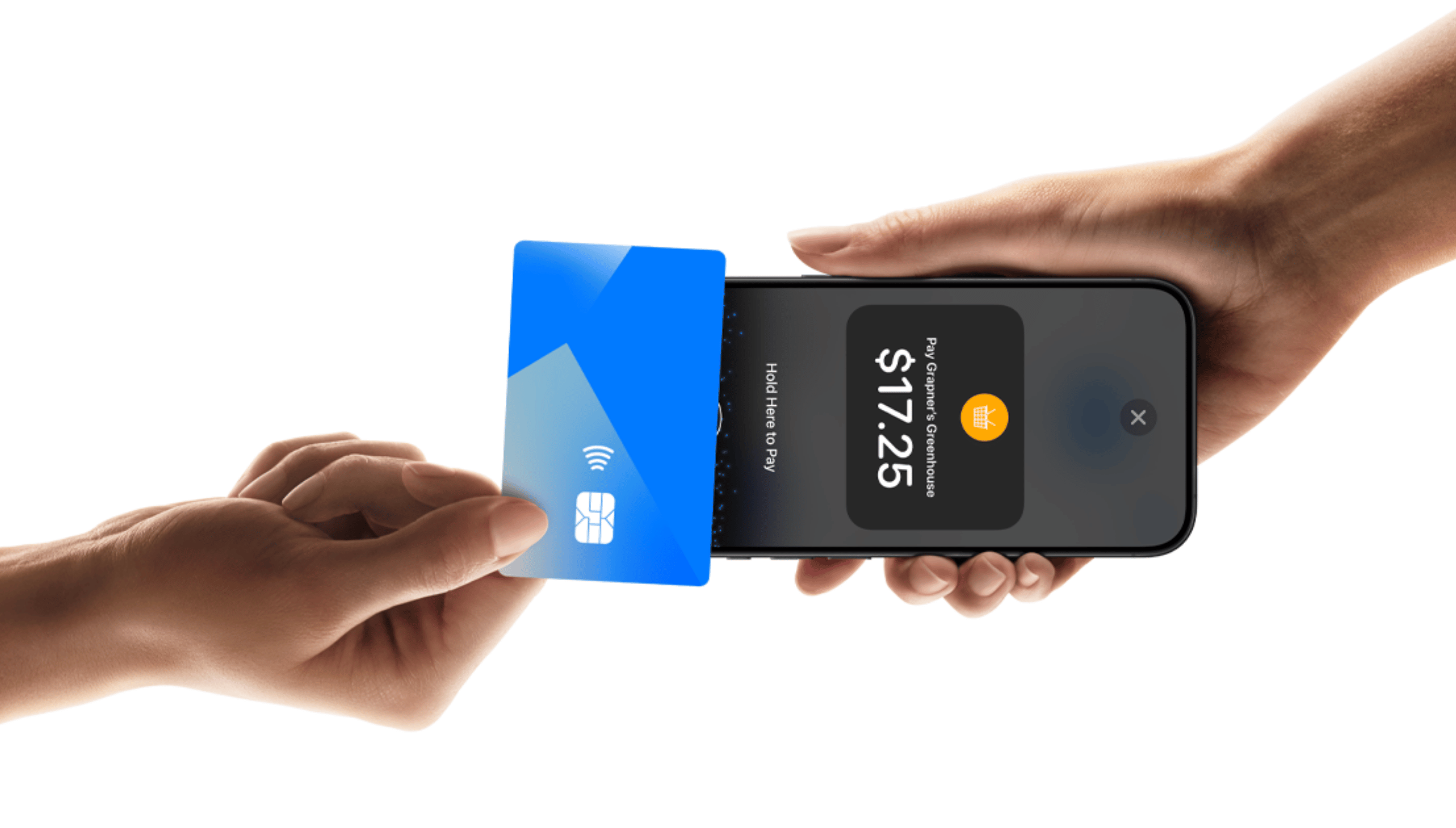
No extra card reader to carry
Accept supported contactless cards and digital wallets securely through Stripe.
Keep appointments and in-person payments connected in the same business workflow.
Eligible businesses can accept payments from a compatible NFC-enabled phone without pairing or charging a separate reader.
Bring checkout to the styling chair, treatment room, front desk, or anywhere else you complete an appointment.
Start the payment from the appointment workflow and keep the result associated with the salon’s records.
Simple setup
Complete the required Stripe onboarding for your business.
Use the Peroz Business app on a compatible device and accept the applicable terms.
Open an appointment, enter the amount, and ask the client to tap their card or wallet.
Tap to Pay requires a compatible NFC-enabled iPhone or Android device, a supported operating system, the Peroz Business app, and an eligible connected Stripe account. Availability can vary by device, operating system, country, payment method, and Stripe eligibility.
Tap to Pay is included as a Peroz platform feature. Standard Stripe payment-processing fees apply separately and are not included in the $10 monthly Peroz subscription.