
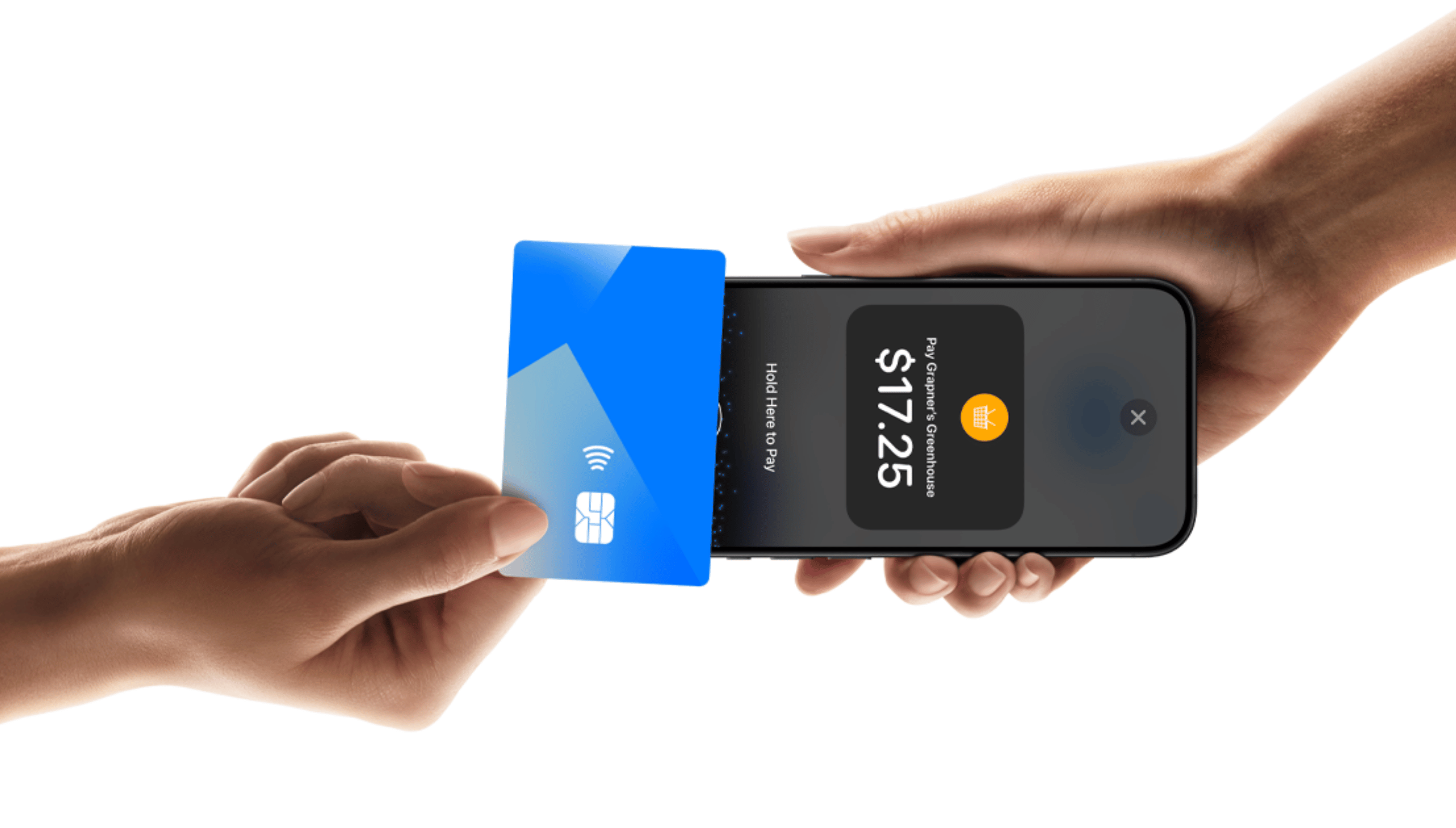
Tap to Pay
Accept contactless cards and supported digital wallets from a compatible NFC-enabled iPhone or Android device—no separate card reader required.
Explore Tap to Pay
Streamline salon operations from the Peroz Business app or any browser. Manage appointments, track earnings, organize client information, and accept contactless payments from a compatible phone in one connected platform.


Manage the day from any browser, let clients book from a link, and take contactless payments with a compatible phone.
Accept contactless cards and supported digital wallets from a compatible NFC-enabled iPhone or Android device—no separate card reader required.
Explore Tap to Pay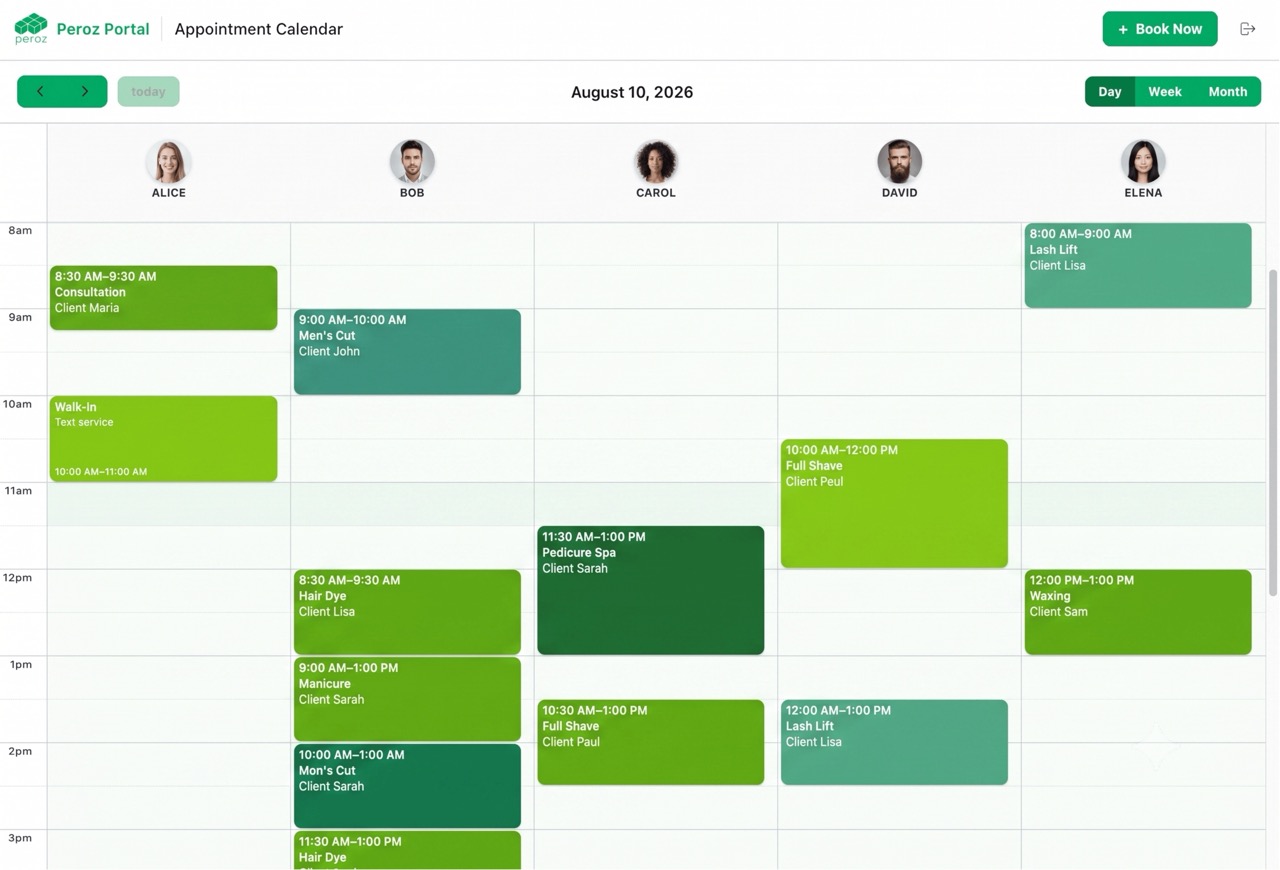
Owners and staff can sign in from a desktop, tablet, or phone browser to view and manage salon appointments.
Open Business Login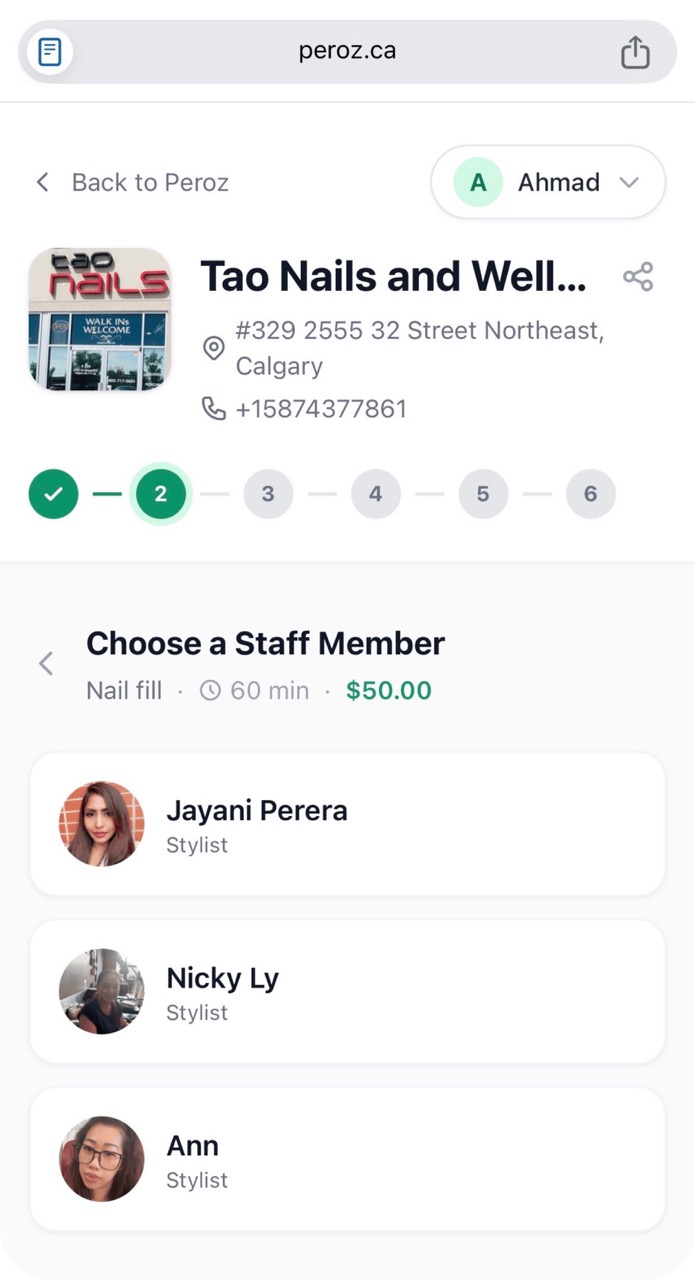
Share your salon’s booking link so clients can choose a service, staff member, and time directly in their browser.
See online bookingWatch comprehensive tutorials on managing appointments, tracking earnings, and growing your salon business with Peroz.
Salons and businesses can now accept payment using their phone! No any other hardware purchase required. To start visit peroz.ca/for-business
Salons can now accept payment using their phone!
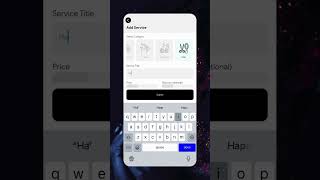
How to add service
Explore the powerful features that help you manage your salon business efficiently
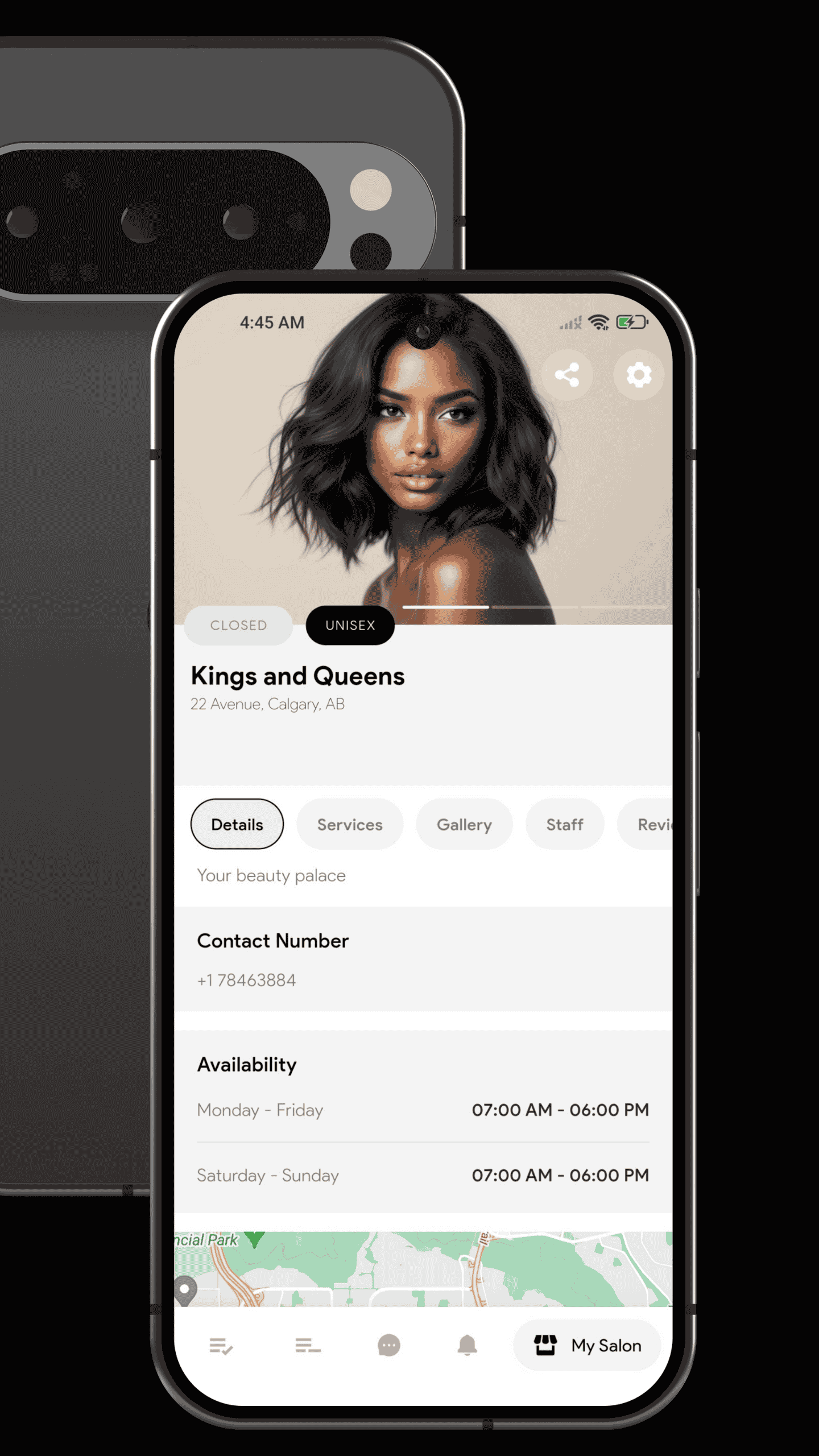
View today's appointments, revenue stats, and quick actions all in one place. Track your business performance at a glance with real-time data.
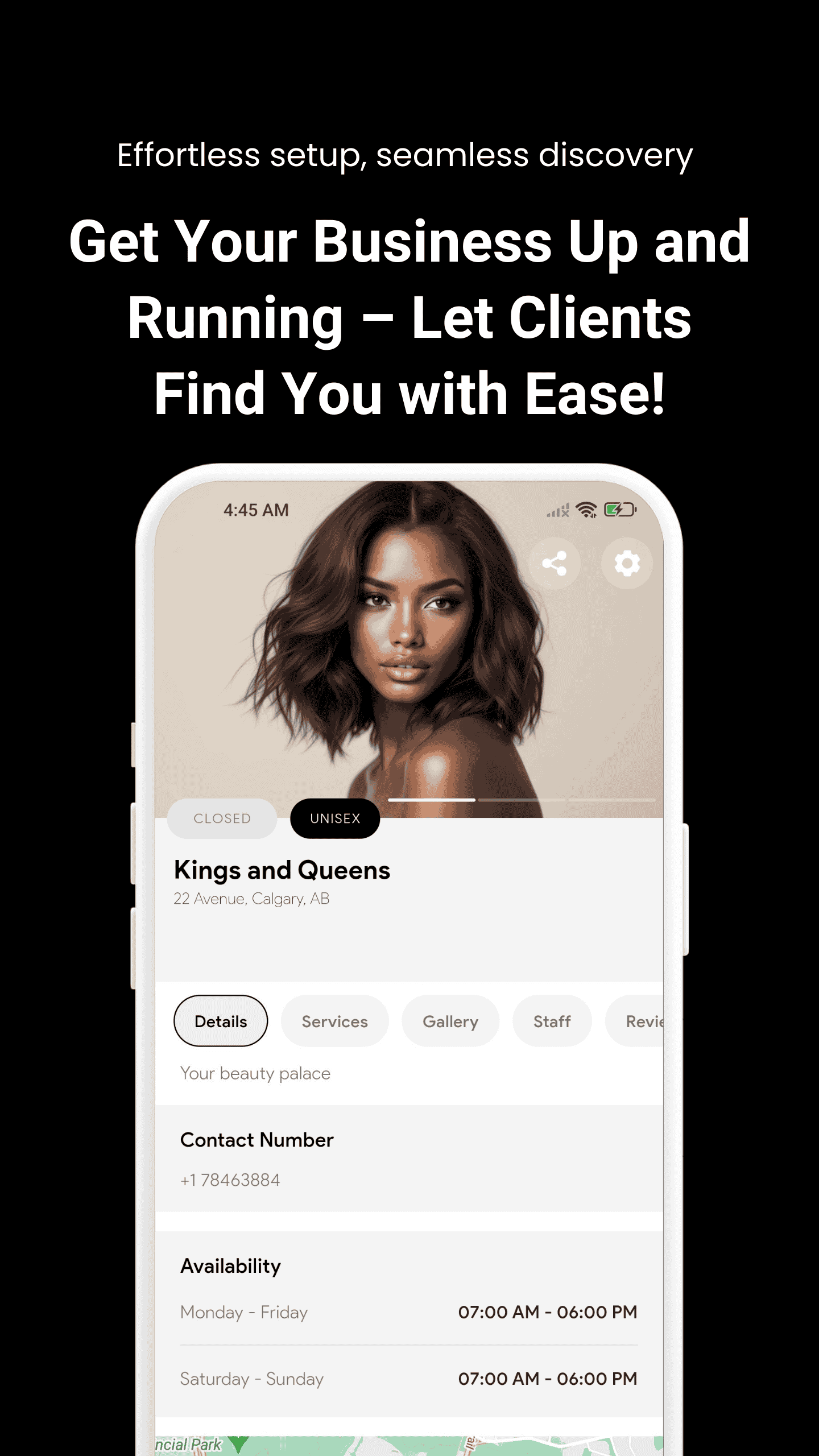
Accept, decline, or reschedule appointments with ease. Send automated reminders and view complete client details with a single tap.
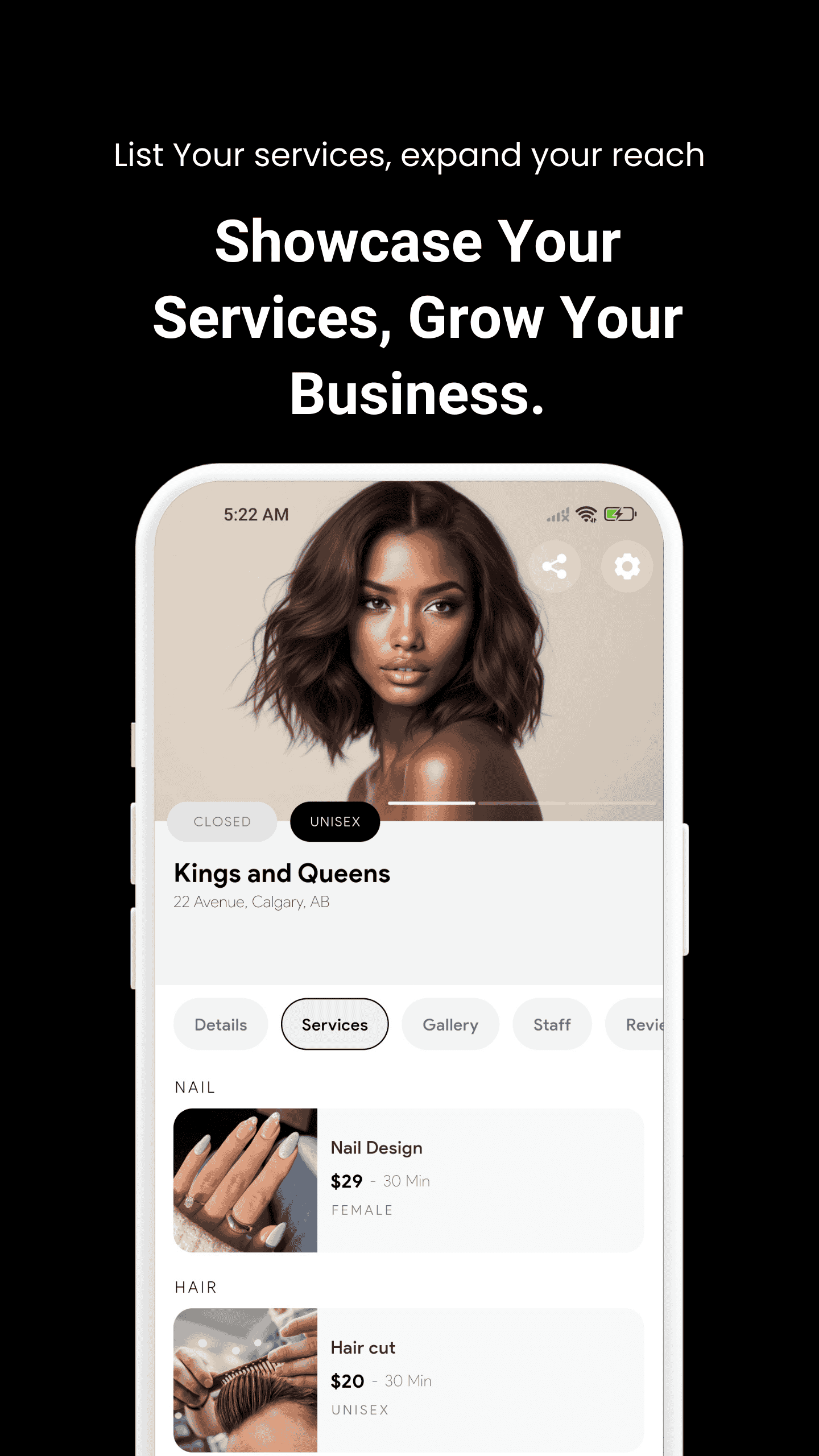
Set up your services with custom pricing, duration, and detailed descriptions. Update anytime to match your current offerings.
Track earnings, view detailed payout history, and analyze booking trends to make informed data-driven business decisions.
Complete walkthrough of all features to help you succeed with Peroz
Peroz is a booking platform for barbers, dentistry, beauty, and massage services. Use the Business app or web portal to manage appointments, handle payments, and grow your business efficiently.
Creating an Account
Setting Up Your Profile
Quick answers to common questions about using Peroz for your business
Tap to Pay allows your salon to accept contactless in-person payments directly from a compatible iPhone or Android device using the Peroz Business app. No separate card reader or payment terminal is required.
You can accept supported contactless credit cards, debit cards, Apple Pay, Google Pay, and other compatible NFC digital wallets. Available payment methods may vary depending on your country and payment provider.
No. With Tap to Pay, your compatible iPhone or Android device acts as the payment terminal, so you do not need a separate card reader.
Open the payment or checkout screen in the Peroz Business app, select Tap to Pay, confirm the amount, and start the payment. Ask the customer to hold their contactless card, phone, or smartwatch near your device until the payment is completed.
Tap to Pay on iPhone allows your salon to accept contactless payments directly on a compatible iPhone through the Peroz Business app. Customers can tap a contactless card, iPhone, Apple Watch, or other supported payment device on your iPhone.
Tap to Pay on iPhone requires a compatible iPhone XS or later running a supported version of iOS. We recommend keeping your iPhone updated to the latest available version of iOS.
Open Tap to Pay in the Peroz Business app and follow the setup instructions. You may be required to review and accept Apple's Tap to Pay terms and complete the initial device setup before accepting payments.
Apple requires merchants to review and accept the applicable Tap to Pay on iPhone terms before using their iPhone to accept contactless payments.
When a Tap to Pay transaction starts, your iPhone will display instructions showing where the customer should hold their card or payment device. Ask them to keep it near the indicated area until the payment is recognized.
Tap to Pay on Android allows your salon to accept contactless payments directly on a compatible NFC-enabled Android device using the Peroz Business app without a separate card reader.
Your Android device must support NFC and meet the required Android, security, Google Play Services, and hardware security requirements. Peroz will check whether your device is compatible when you activate Tap to Pay.
Your device may not meet the required Android version, NFC, security update, Google Play Services, or hardware security requirements. Rooted devices, modified operating systems, and devices with unsupported security configurations may also be blocked.
Yes. Tap to Pay on Android uses NFC to communicate with contactless cards and digital wallets. Make sure NFC is available and enabled on your device.
Yes. A reliable Wi-Fi or cellular data connection is required to process Tap to Pay transactions.
Yes. Tap to Pay uses secure contactless payment technology and supported payment-processing infrastructure. Your business does not need to manually handle or store the customer's complete card number.
Peroz does not display or store the customer's complete card number for your salon. Sensitive payment information is securely handled through the payment-processing infrastructure.
Ask the customer to hold the card close to the device for a few seconds and make sure the card supports contactless payments. They can also try another card or a supported digital wallet such as Apple Pay or Google Pay.
Go to Profile Settings in the app and make the necessary changes. You can update your business name, description, images, hours, and pricing anytime.
Yes, you can customize pricing, duration, and descriptions for each service individually when setting up your profile.
Clients receive automatic refunds when they cancel. You'll be notified immediately and the time slot becomes available again.
Earnings are automatically deposited into your registered bank account every week. No manual withdrawal needed!
Peroz costs only $10 per month per location, making it one of the most affordable salon booking apps.
No. Peroz includes unlimited staff members, unlimited appointments, and unlimited services for every location.
Join thousands of successful salon owners using Peroz to manage appointments, track earnings, and provide exceptional service. Start your journey today!
Need Help Getting Started?