

Peroz Booking App for Salon Staff
Manage daily appointments, communicate with clients, and streamline your workflow. Built for barbers, salon technicians, spa professionals, and more.


Tutorials for Staff
Learn how to use the staff app to manage your schedule, appointments, and communicate with clients.
How to add service?
Daily Workflow Explained
See how easy it is to manage your appointments and communicate with clients
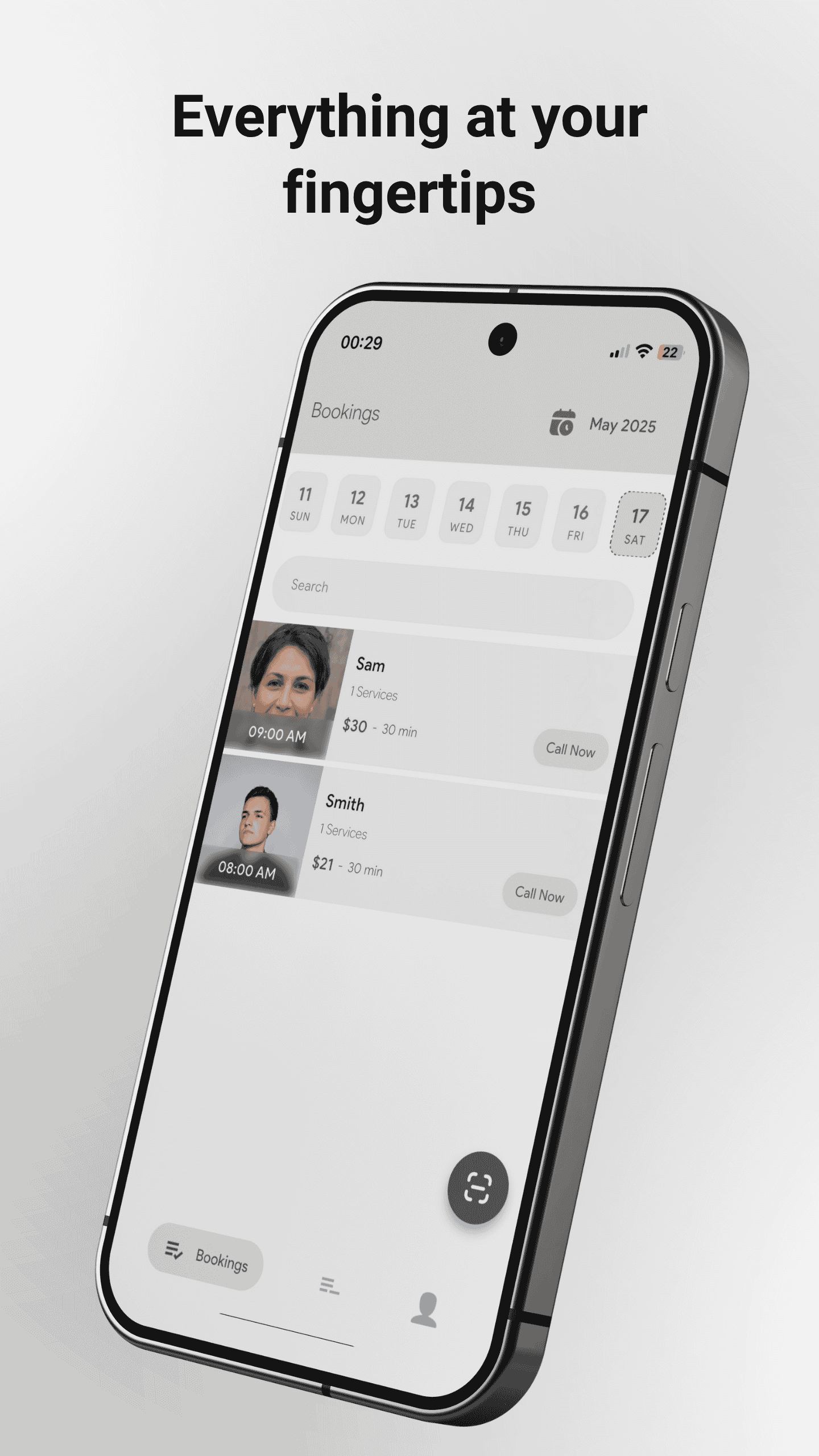
Today's Schedule
View all your appointments for the day. See client names, service details, and time slots at a glance for better planning.
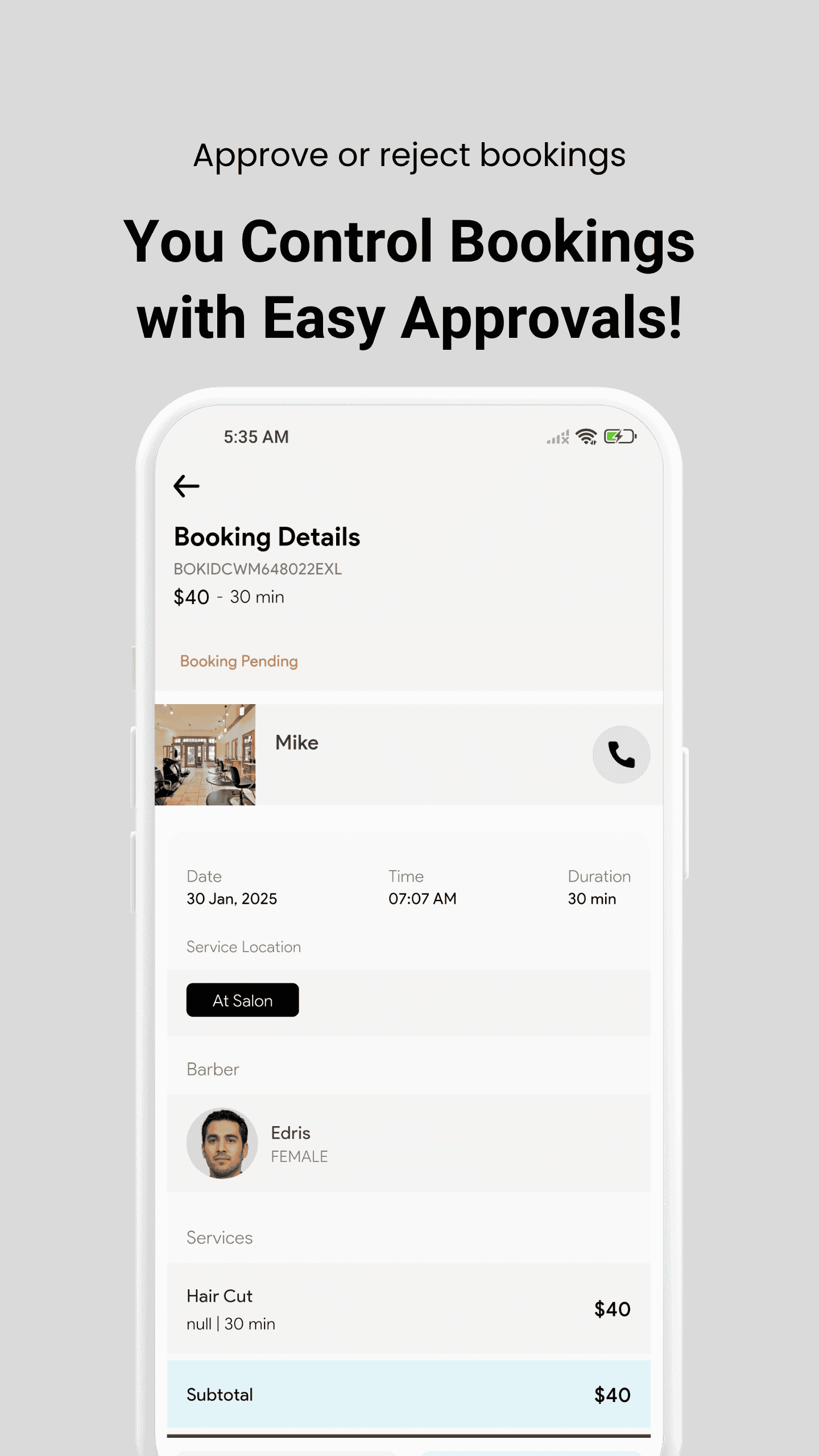
Appointment Details
Tap any booking to see full details, special requests, and client contact info. Mark as complete when service is finished.
Client Communication
Use in-app messaging to answer client questions or confirm details. Keep all communication organized in one place.
Everything You Need to Know
Comprehensive guide to using Peroz Staff App effectively
Getting Started
Download & Install
- Available on Android and iOS
- Search "Peroz Staff" and install
Login Details
- Accounts created by business owner
- Use salon ID, phone, and password
Managing Appointments
- Access your calendar and assigned slots
- View service details, notes, and client info
- Mark appointments as completed
- Live updates for cancellations/reschedules
Daily Workflow
- View and prepare for today's bookings
- Mark no-shows and leave remarks
- Track service durations and manage gaps
- Stay organized throughout your day
Communication
- Chat directly with clients
- Send polite reminders if needed
- Receive internal messages from manager
- Keep all conversations organized
Profile Management
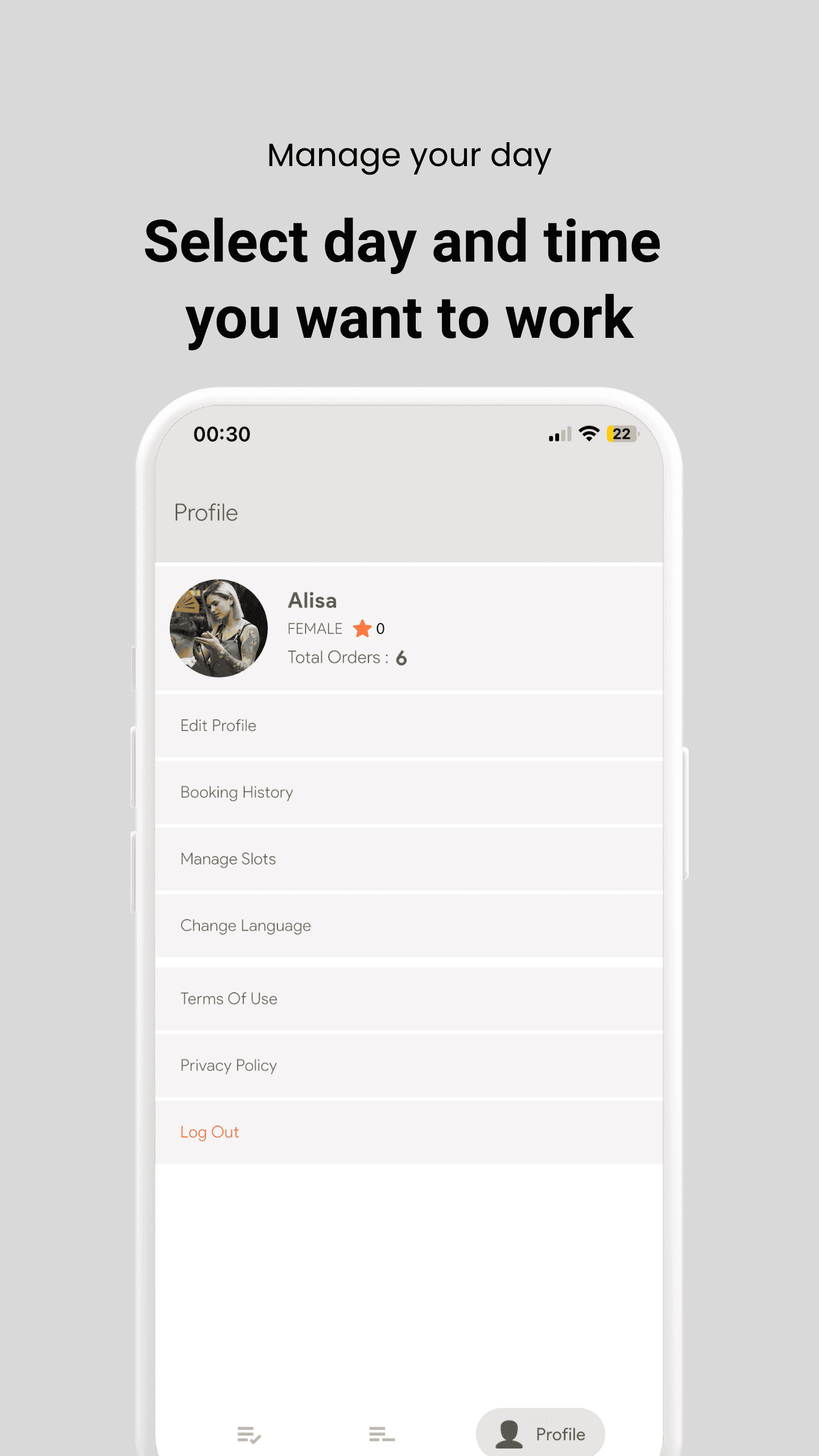
- Update your name and profile picture
- Check your assigned services
- Request availability changes
- Manage personal preferences
Support & Contact
- Email: hi@peroz.ca
- Contact your admin for permission changes
- 24/7 technical support available
Questions & Answers
Quick answers to common questions for staff members
I forgot my login credentials. What do I do?
Ask your business admin to reset your login details from their account.
Can I update my availability?
Yes you can update your availability.
What happens if I miss an appointment?
It will be marked in the system. Please notify your manager as soon as possible.
Your Smart Work Assistant
The Peroz Staff App is your smart assistant to stay organized, manage appointments, and deliver excellent service. Use it daily to remain efficient and connected to your clients and team.
Need Help?